LogMeIn alternatives: 50 remote access and remote support options
LogMeIn is a long-running name in remote access, and its domain, logmein.com, still ranks 8,558 on the Majestic Million. That visibility is one reason so many people end up comparing it with other tools: it is easy to find, so it is easy to question. This page lists 50 alternatives that we found through public sources, sorted by type so that you can skip straight to the kind of tool that fits your situation.
Remote access is a broad job. For one person it means reaching a home computer from a laptop. For an IT team it means supporting hundreds of staff devices, logging sessions and controlling who can connect. For a managed service provider it means unattended access to many customer networks. A tool that is ideal in one of those cases can be a poor choice in another, which is why we group the list into direct competitors, budget options, free tools, enterprise suites, open-source projects, self-hosted software, regional products, built-in operating system features and do-it-yourself setups.
Use the sections below to narrow the field, then open the type guides for a closer look at each group. Everything here is based on public sources reviewed in November 2026. We did not test the products, and we do not state prices or feature lists, because those change often and belong on the vendors' own pages. If you want to see how the data was gathered, read our methodology, or browse the wider IT management category for neighbouring products.
LogMeIn is available at logmein.com. Its domain ranks #8,558 in the Majestic Million, a free public list of the most-linked-to domains on the web. Its domain ranks #6,594 in the Tranco list of the most visited domains.
This page lists 50 alternatives to LogMeIn, spread across 9 types: direct (6), budget (5), free (8), enterprise (3), open source (12), self-hosted (1), regional (10), built-in (4), diy (1).
38 of the 50 entries were seen in live web search results during our November 2026 review; the remaining entries are labelled unconfirmed so you know where extra checking is needed.
Regional options cover Russia, China.
- Direct: 6 (12%)
- Budget: 5 (10%)
- Free: 8 (16%)
- Enterprise: 3 (6%)
- Open source: 12 (24%)
- Self-hosted: 1 (2%)
- Regional: 10 (20%)
- Built-in: 4 (8%)
- DIY: 1 (2%)
38 of 50 entries (76%) were seen in live search results during our review; the rest are labelled “unconfirmed” and should be checked on the vendor site.
Quick comparison: the closest alternatives to LogMeIn
| Site | Name | Type | Founded | Majestic rank | Check |
|---|---|---|---|---|---|
 | Splashtop Remote Access | Direct | 2006 | #9,479 | seen in search |
 | TeamViewer | Direct | n/a | #532 | seen in search |
 | AnyDesk | Direct | 2015 | #1,982 | seen in search |
 | AirDroid Remote | Direct | n/a | #24,667 | seen in search |
 | RealVNC | Direct | n/a | #7,069 | seen in search |
What is LogMeIn and why do people look for alternatives?
LogMeIn is a brand in the remote access and remote support space. In plain terms, tools of this kind let one computer view and control another over the internet, so that a person can work on an office machine from home, or a technician can fix a problem on a colleague's laptop without travelling. The brand has a large public footprint: its domain logmein.com sits at Majestic rank 8,558 and Tranco rank 6,594, which places it among the more widely linked sites on the web.
A large footprint does not mean a single product fits everyone, and that is the main reason people search for alternatives. Public search interest around a remote access product usually comes from a handful of recurring concerns. Some teams want a different licensing shape, for example paying per technician rather than per device, or the reverse. Some want a lighter client that starts faster on older machines. Others need session recording, audit trails or single sign-on that their security team requires, and they compare how each vendor handles those items before signing anything.
Another common reason is control over where the data flows. Remote sessions pass screen contents, keystrokes and sometimes files through a relay. Organisations in regulated sectors, or in countries with data residency rules, often prefer a self-hosted relay or a regional vendor so that traffic stays under their own control. That is why this list includes open-source projects such as RustDesk and MeshCentral, the self-hosted Apache Guacamole gateway, and several vendors headquartered outside the United States.
Finally, some people simply want fewer tools. Windows already ships with Remote Desktop, Quick Assist and Remote Help, and macOS includes Screen Sharing, so a built-in feature may cover a small team's needs without any extra subscription. Whatever your reason, the practical approach is to write down the jobs you need done first, then compare. The sections that follow explain how the list was built and how to match tools to those jobs.
How we built this list
This list was compiled in November 2026 from public sources: ranking data such as the Majestic Million and Tranco list, open knowledge bases such as Wikidata, and a review of public web search results for people looking for LogMeIn replacements. We did not install or test any product, and we do not claim hands-on experience with them. Details such as founding year, headquarters country and domain rank appear only where a public source supplied them, which is why some entries show more information than others.
Each alternative carries one of two confirmation states. Entries marked as seen in search appeared in public search results as a recognised replacement for LogMeIn. Entries that are unconfirmed did not show up in our search review, even though they may still be perfectly good products; for example RemotePC, ConnectWise ScreenConnect and ToDesk fall into that group in this list. We describe those as not confirmed in our search review and we never present them as a top pick.
Types exist because a flat list of 50 names is hard to use. A free tool and an enterprise suite answer different questions, and a regional product matters mostly to people who care about language, jurisdiction or local support. Sorting by type lets you compare like with like. The same alternative is placed in one primary type only, so use the type hubs, such as direct competitors and free tools, to see the full picture.
How to choose a LogMeIn alternative
Start with the job, not the brand. Remote access tools cluster into three jobs: personal access to your own machines, attended support where a person at the other end approves your connection, and unattended access to servers and workstations that nobody is sitting at. Many products do all three, but they usually do one of them best, and the way a vendor structures its plans tends to reveal which one that is.
Next, count the people and the devices. A team of three technicians supporting several hundred endpoints has a very different cost and administration profile from a company of two hundred employees who each need to reach one desk machine from home. Check how each candidate counts usage, whether by concurrent session, by technician, by managed device or by user, and run the numbers for your own headcount rather than relying on a headline figure.
Security deserves its own pass. Look for multi-factor authentication, single sign-on, role-based permissions, session logging and the option to restrict which devices can be reached. Ask where relay servers are located and whether you can run your own. If you work with customer data, check whether the vendor publishes security documentation your auditors will accept.
Last, test the unglamorous details with a pilot. Try a connection over a poor mobile link, from a Mac to a Windows machine, and from a phone. Confirm that file transfer, clipboard, multi-monitor handling and remote reboot work the way your team needs. Keep the pilot short, with a handful of real tasks, and compare results before you commit.
- Use case: personal access, attended support or unattended access to many machines
- Licensing model: per technician, per device, per user or per concurrent session
- Platform coverage: Windows, macOS, Linux, iOS, Android and browser-based clients
- Security controls: multi-factor authentication, single sign-on, audit logs and permission roles
- Hosting and data path: vendor cloud, regional provider or your own relay server
- Performance on weak networks and with multiple monitors
- Exit plan: how easily you can export device lists and settings if you change again
Quick picks by situation
If you want the nearest like-for-like replacement and are happy to pay, begin with the direct group: Splashtop Remote Access, TeamViewer, AnyDesk, RealVNC and AirDroid Remote. TeamViewer ranks 532 on the Majestic Million and AnyDesk 1,982, so both are easy to research, and AnyDesk was founded in 2015. Splashtop Remote Access, founded in 2006 and headquartered in the United States, is another established name.
If cost is the constraint, look at Zoho Assist, Chrome Remote Desktop, Iperius Remote and HelpWire, covered in our Zoho alternatives page for the wider vendor context. For a person who only needs to reach their own PC, free tools such as NoMachine, Supremo and AnyViewer are worth a trial, and NoMachine dates back to 2002.
If you manage many customer sites as an IT provider, compare the enterprise-grade options, BeyondTrust Remote Support, ConnectWise ScreenConnect and SolarWinds Dameware Remote Everywhere, noting that all three are unconfirmed in our search review. Teams already running infrastructure tools may also check how remote control fits alongside ManageEngine or Ivanti in their stack.
If you prefer to own the stack, RustDesk, MeshCentral and Apache Guacamole let you host the relay yourself. If you work in a Windows-only office, Microsoft Remote Desktop and Windows Quick Assist may already be sitting on your machines. And if your team is in Russia or China, regional options such as Getscreen, RuDesktop, AweSun and ToDesk are designed for local conditions.
All 50 alternatives to LogMeIn by type
Direct alternatives to LogMeIn (6)
Products that solve the same core problem for the same kind of buyer. Switching usually means moving data and retraining people, not changing how you work. For LogMeIn, this list contains 6 entries in this group, including Splashtop Remote Access, TeamViewer, AnyDesk, AirDroid Remote and RealVNC. See all direct alternatives across every product →
Choosing among direct alternatives to LogMeIn
Direct alternatives are commercial products that do the same core job: connect to a remote computer, whether attended or unattended. Our data lists six: Splashtop Remote Access, TeamViewer, AnyDesk, AirDroid Remote, RealVNC and Remote Utilities, also known as RMS (Remote Manipulator System). All six were seen in search as replacements.
The differences are in lineage and scope. RealVNC builds on the VNC protocol and ranks 7,069 on Majestic, which suggests a technician-friendly audience. AirDroid Remote, ranked 24,667, comes from a company known for connecting phones and tablets, so check how well it handles mobile devices in your fleet. Remote Utilities is the least documented entry here, with no public domain data in our sources, so confirm details with the vendor directly.
Because these tools compete head-on, the pilot matters more than the feature table. Give two or three of them the same ten tasks, including one on a slow connection, and compare. See our direct alternatives hub for the same group across other product categories.
| Site | Name | Type | Founded | Majestic rank | Check |
|---|---|---|---|---|---|
| Splashtop Remote Access | Direct | 2006 | #9,479 | seen in search |
| TeamViewer | Direct | n/a | #532 | seen in search |
| AnyDesk | Direct | 2015 | #1,982 | seen in search |
| AirDroid Remote | Direct | n/a | #24,667 | seen in search |
| RealVNC | Direct | n/a | #7,069 | seen in search |
| Remote Utilities / RMS (Remote Manipulator System) | Direct | n/a | n/a | seen in search |
Budget-friendly alternatives to LogMeIn (5)
Lower-cost tools that cover the essential jobs without the full feature surface. A good fit when you pay for seats or features you rarely open. For LogMeIn, this list contains 5 entries in this group, including Zoho Assist, Chrome Remote Desktop, Iperius Remote, HelpWire and RemotePC. See all budget alternatives across every product →
Choosing among budget-friendly alternatives to LogMeIn
Budget-friendly options lower the cost of entry without leaving the commercial world, which can mean support and an upgrade path. Our data names five: Zoho Assist, Chrome Remote Desktop, Iperius Remote, HelpWire and RemotePC. Four were seen in search; RemotePC was not confirmed in our review, so treat it as one to verify.
Zoho Assist comes from a company founded in 1996 and based in India, and its parent domain ranks 651 on Majestic, so it has substantial public reach. HelpWire is the youngest, founded in 2023 in the United States, with a Majestic rank of 282,238, meaning limited public footprint so far. Chrome Remote Desktop is a simple option for personal use, and Iperius Remote suits small teams that want a light client.
When comparing budget tools, check what is withheld from cheaper plans, such as unattended access, session recording or the number of devices. The budget-friendly hub shows how this group looks in other categories.
Free options to LogMeIn (8)
Tools with a free plan or free access that is usable on its own. Limits on volume, users or history usually apply, so check them before you commit. For LogMeIn, this list contains 8 entries in this group, including HopToDesk, NoMachine, AnyViewer, Distant Desktop and Supremo. See all free alternatives across every product →
Choosing among free alternatives to LogMeIn
Free alternatives are the right starting point for home users, hobbyists and very small teams. Our data lists eight: HopToDesk, NoMachine, AnyViewer, Distant Desktop, Supremo, UltraViewer, AeroAdmin and Ammyy Admin. HopToDesk is not confirmed in our search review; the other seven were seen in search.
Free does not mean identical. NoMachine was founded in 2002 and is the best documented of the group, with a Majestic rank of 31,619. Supremo ranks 79,819 and AeroAdmin 127,618, while AnyViewer, Distant Desktop, UltraViewer and Ammyy Admin have no domain data in our sources. Free tools often limit commercial use, session length or the number of devices, so read the terms before deploying one across a business.
A practical approach is to use a free tool for personal or occasional access and move to a paid plan once remote support becomes a daily job. Our free alternatives hub compares this group across categories.
| Site | Name | Type | Founded | Majestic rank | Check |
|---|---|---|---|---|---|
 | HopToDesk | Free | n/a | #210,306 | unconfirmed |
 | NoMachine | Free | 2002 | #31,619 | seen in search |
| AnyViewer | Free | n/a | n/a | seen in search | |
| Distant Desktop | Free | n/a | n/a | seen in search | |
 | Supremo | Free | n/a | #79,819 | seen in search |
| UltraViewer | Free | n/a | n/a | seen in search | |
 | AeroAdmin | Free | n/a | #127,618 | seen in search |
| Ammyy Admin | Free | n/a | n/a | seen in search |
Enterprise-grade alternatives to LogMeIn (3)
Platforms built for large teams: governance, audit trails, integrations and support contracts. They tend to cost more and take longer to roll out. For LogMeIn, this list contains 3 entries in this group, including ConnectWise ScreenConnect, BeyondTrust Remote Support and SolarWinds Dameware Remote Everywhere. See all enterprise alternatives across every product →
Choosing among enterprise-grade alternatives to LogMeIn
Enterprise-grade options target large organisations and service providers that need audit trails, privileged access controls and integration with ticketing systems. Our data lists three: ConnectWise ScreenConnect, BeyondTrust Remote Support and SolarWinds Dameware Remote Everywhere. All three are unconfirmed in our search review, so verify current availability and positioning on the vendors' sites.
BeyondTrust is the best documented of the trio, founded in 1985, headquartered in the United States and ranked 9,212 on the Majestic Million. ScreenConnect ranks 15,566 and Dameware 292,434. Dameware belongs to the same corporate family as the products covered on our SolarWinds alternatives page, which is useful if you already run monitoring tools from that vendor.
Procurement for this tier usually involves security questionnaires and negotiated contracts, so allow more time than for a self-service plan. The enterprise-grade hub lists similar tools in other categories.
| Site | Name | Type | Founded | Majestic rank | Check |
|---|---|---|---|---|---|
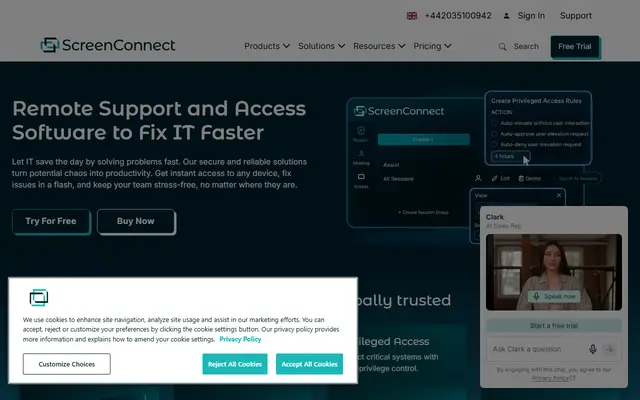 | ConnectWise ScreenConnect | Enterprise | n/a | #15,566 | unconfirmed |
| BeyondTrust Remote Support | Enterprise | 1985 | #9,212 | unconfirmed | |
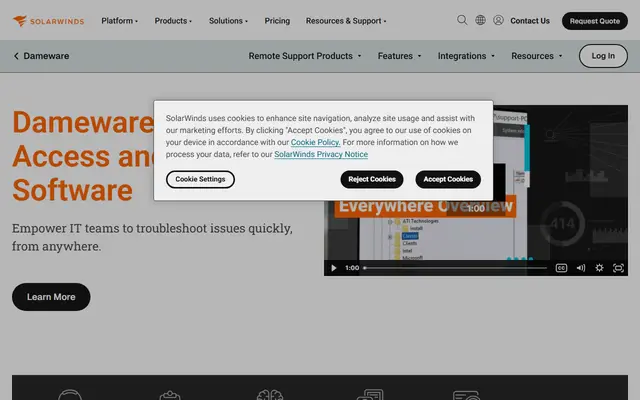 | SolarWinds Dameware Remote Everywhere | Enterprise | n/a | #292,434 | unconfirmed |
Open-source alternatives to LogMeIn (12)
Projects whose source code is public. You can inspect, modify and often self-host them, at the price of doing more of the maintenance yourself. For LogMeIn, this list contains 12 entries in this group, including RustDesk, MeshCentral, UltraVNC, TightVNC and X2Go. See all open source alternatives across every product →
Choosing among open-source alternatives to LogMeIn
Open-source alternatives are the largest group in this list, with twelve entries: RustDesk, MeshCentral, UltraVNC, TightVNC, X2Go, Remmina, DeskVNC, DWService, Aspia, Bananas Screen Sharing, TigerVNC and mRemoteNG. All twelve were seen in search.
They fall into families. UltraVNC (2002), TightVNC (2000) and TigerVNC build on the VNC protocol and suit unattended access on a local network. RustDesk, founded in 2021, and DWService aim at the cloud-style experience with a relay you can host yourself. MeshCentral is a web-based management platform, Remmina (2009) is a Linux desktop client, X2Go targets Linux terminal sessions, and mRemoteNG manages many connections from one window.
The trade-off is support: you gain transparency and control, but you usually rely on community channels and your own administration. See the open-source hub for more projects of this kind.
| Site | Name | Type | Founded | Majestic rank | Check |
|---|---|---|---|---|---|
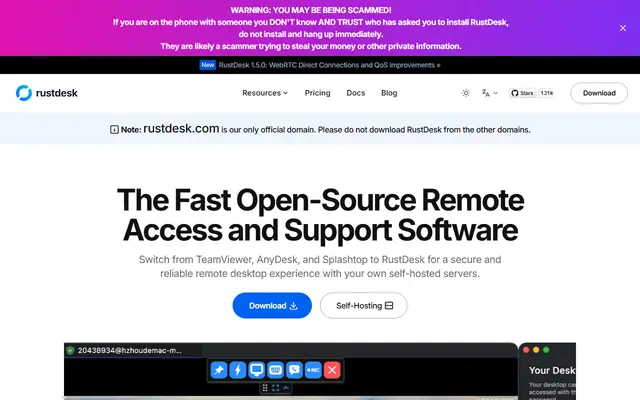 | RustDesk | Open source | 2021 | #13,399 | seen in search |
| MeshCentral | Open source | n/a | n/a | seen in search | |
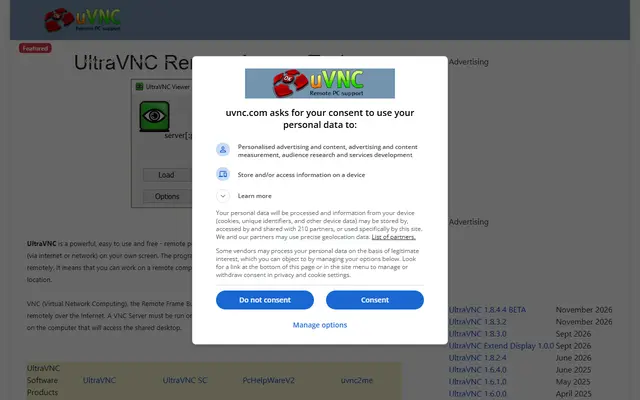 | UltraVNC | Open source | 2002 | #35,937 | seen in search |
 | TightVNC | Open source | 2000 | #17,190 | seen in search |
| X2Go | Open source | n/a | n/a | seen in search | |
 | Remmina | Open source | 2009 | #66,797 | seen in search |
| DeskVNC | Open source | n/a | n/a | seen in search | |
 | DWService | Open source | n/a | #164,341 | seen in search |
| Aspia | Open source | n/a | n/a | seen in search | |
| Bananas Screen Sharing | Open source | n/a | n/a | seen in search | |
 | TigerVNC | Open source | n/a | #97,554 | seen in search |
| mRemoteNG | Open source | n/a | n/a | seen in search |
Self-hosted alternatives to LogMeIn (1)
Software you run on your own server or computer. You keep control of the data and the uptime, and you take on updates, backups and security. For LogMeIn, this list contains 1 entry in this group, including Apache Guacamole. See all self-hosted alternatives across every product →
Choosing among self-hosted alternatives to LogMeIn
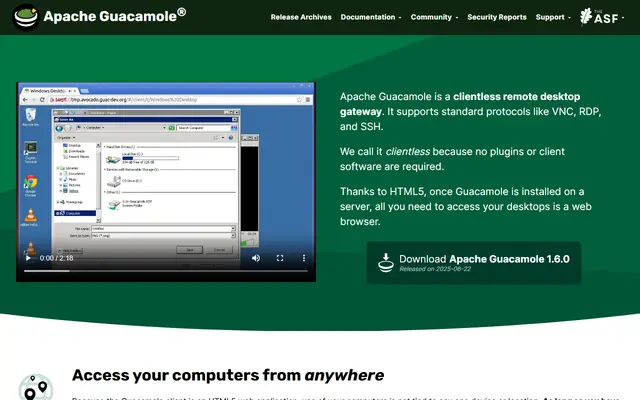
Our data lists one self-hosted alternative: Apache Guacamole. It is a clientless gateway, which means users reach machines through a web browser while you run the server, and it appears in our sources with a founding year of 2017 and a Majestic rank of 44, a very high position that reflects the wide linking of the Apache project domain.
Because the list holds only one pure self-hosted entry, it helps to know that several open-source tools, notably RustDesk and MeshCentral, can also be run on your own server. Self-hosting suits organisations that want session data to stay inside their network, but it also makes you responsible for updates, certificates, backups and uptime.
Browse the self-hosted hub for comparable software in other categories, and plan for someone to own the server before you commit.
| Site | Name | Type | Founded | Majestic rank | Check |
|---|---|---|---|---|---|
 | Apache Guacamole | Self-hosted | 2017 | n/a | seen in search |
Regional and local alternatives to LogMeIn (10)
Vendors that are strongest in a particular country or region: local languages, local payment methods, local data-residency rules and local support hours. For LogMeIn, this list contains 10 entries in this group, including Getscreen, RuDesktop, Assistent, Kontur.Dostup and LiteManager. See all regional alternatives across every product →
Choosing among regional alternatives to LogMeIn
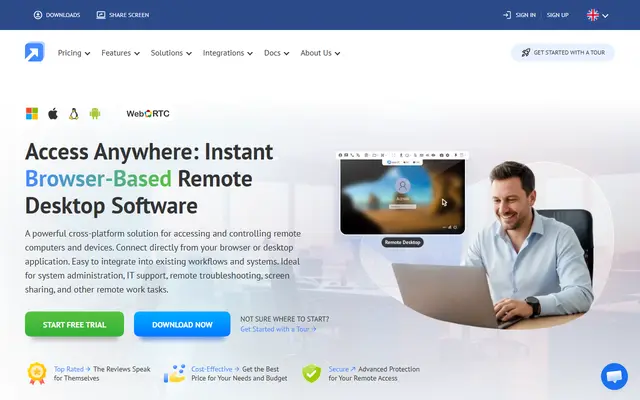
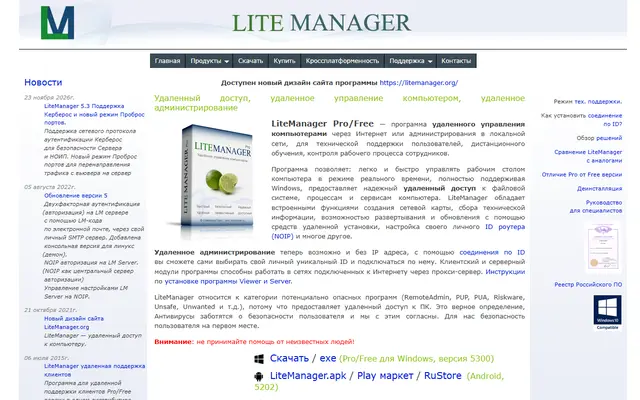
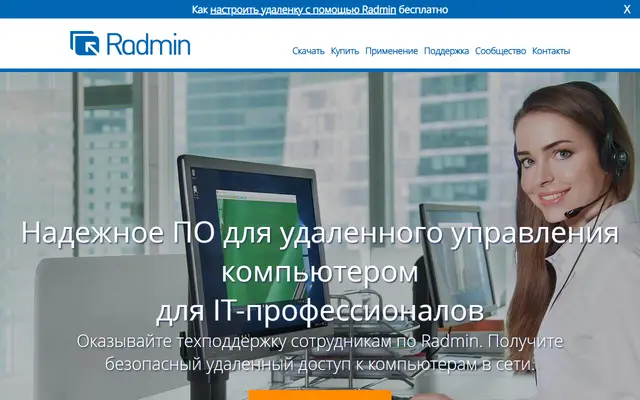
Regional products are built for a specific market, language or legal environment. Our data lists ten: Getscreen, RuDesktop, Assistent, Kontur.Dostup, LiteManager and Radmin from Russia; AweSun, ToDesk and Sunlogin from China; and ISL Online. ToDesk, Sunlogin and ISL Online are not confirmed in our search review; the rest were seen in search.
The main reasons to choose one are local-language interfaces, local support hours, domestic payment options and compliance with national rules on where data is stored. Majestic ranks give a sense of reach: ISL Online is at 148,797, Getscreen at 282,275, AweSun at 492,276 and Radmin at 874,539.
Before adopting a regional tool, check whether your own jurisdiction or customers impose sanctions or procurement restrictions, and whether the vendor can serve users outside its home market. The regional hub shows how this type looks across the site.
| Site | Name | Type | Founded | Majestic rank | Check |
|---|---|---|---|---|---|
 | Getscreen | Regional · Russia | n/a | #282,275 | seen in search |
| RuDesktop | Regional · Russia | n/a | n/a | seen in search | |
| Assistent | Regional · Russia | n/a | n/a | seen in search | |
| Kontur.Dostup | Regional · Russia | n/a | n/a | seen in search | |
 | LiteManager | Regional · Russia | n/a | n/a | seen in search |
 | Radmin | Regional · Russia | n/a | #874,539 | seen in search |
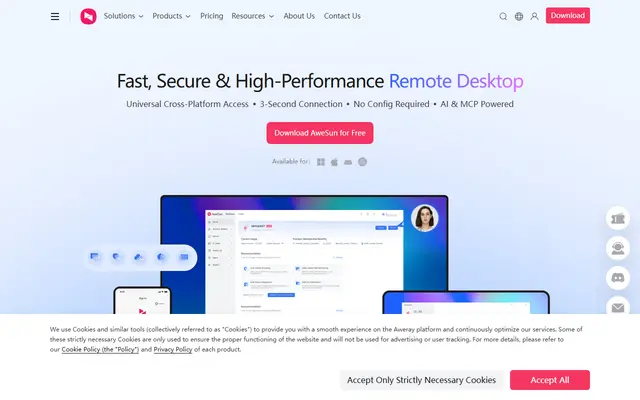 | AweSun | Regional · China | n/a | n/a | seen in search |
| ToDesk | Regional · China | n/a | n/a | unconfirmed | |
| Sunlogin | Regional · China | n/a | n/a | unconfirmed | |
 | ISL Online | Regional | n/a | #148,797 | unconfirmed |
Built-in features of platforms you already use to LogMeIn (4)
Capabilities that already ship inside a suite or platform you pay for. They rarely match a specialist tool feature for feature, but they cost nothing extra. For LogMeIn, this list contains 4 entries in this group, including Microsoft Remote Desktop (RDP), Windows Quick Assist, Microsoft Remote Help and macOS Screen Sharing / Apple Remote Desktop. See all built-in alternatives across every product →
Choosing among built-in alternatives to LogMeIn
Built-in alternatives are features that already ship with your operating system. Our data lists four: Microsoft Remote Desktop (RDP), Windows Quick Assist, Microsoft Remote Help and macOS Screen Sharing / Apple Remote Desktop. Only RDP was seen in search; the other three are unconfirmed in our review.
RDP is the natural choice for reaching Windows machines inside a network or over a VPN. Quick Assist and Remote Help are aimed at attended help, where a person approves the session, and macOS offers Screen Sharing for Apple computers. The attraction is obvious: no extra licence, and nothing new to deploy.
The limits are equally clear. Built-in tools generally work best within a single platform, offer less reporting, and rarely cover mixed fleets with phones and Linux machines. If you start here, keep the built-in hub in mind for a sense of when a native feature is enough.
| Site | Name | Type | Founded | Majestic rank | Check |
|---|---|---|---|---|---|
| Microsoft Remote Desktop (RDP) | Built-in | n/a | n/a | seen in search | |
| Windows Quick Assist | Built-in | n/a | n/a | unconfirmed | |
| Microsoft Remote Help | Built-in | n/a | n/a | unconfirmed | |
| macOS Screen Sharing / Apple Remote Desktop | Built-in | n/a | n/a | unconfirmed |
DIY and self-made approaches to LogMeIn (1)
Spreadsheets, scripts and workflows you assemble yourself. Cheap and flexible for small needs, but they depend on whoever built them. For LogMeIn, this list contains 1 entry in this group, including Tailscale/WireGuard + RDP or VNC. See all diy alternatives across every product →
Choosing among DIY alternatives to LogMeIn
Our data lists one DIY alternative: Tailscale/WireGuard combined with RDP or VNC. It is unconfirmed in our search review, so view it as a pattern rather than a ready-made product. Tailscale was founded in 2019, is headquartered in Canada and ranks 2,939 on the Majestic Million.
The idea is to build a private network between your devices and then use a built-in or open-source remote desktop client over it. That avoids exposing remote desktop ports to the internet and gives you encryption by design, while you keep the choice of viewer. It suits technically confident users who already manage their own devices.
The cost is your time: you handle device enrolment, access policies and troubleshooting. Read the DIY hub for other examples of assembling a solution from parts.
| Site | Name | Type | Founded | Majestic rank | Check |
|---|---|---|---|---|---|
 | Tailscale/WireGuard + RDP or VNC | DIY | 2019 | #2,939 | unconfirmed |
Migration checklist: moving away from LogMeIn
Moving a remote access tool is less about data than about habits and trust. Every machine that technicians or staff reach today has an agent installed, credentials saved and sometimes firewall rules that were written for the old tool. A calm, staged migration prevents the worst outcome, which is a day when nobody can reach the machine that matters.
Begin by exporting or manually recording the list of reachable computers, their owners and any access groups. Decide which devices are critical, and keep the old tool running on those until the replacement has proved itself. Then install the new agent alongside the old one on a pilot group, and run both for a period so that you can compare behaviour.
Plan the communication as carefully as the technology. People who connect to their office machine from home need clear instructions, and support staff need to know which tool to use for which request. Finally, schedule the shutdown of the old service and remember to remove stored credentials, saved devices and unused agents once you are done, as forgotten agents are a security risk.
- Inventory every computer, owner, group and access rule currently managed
- Export device lists and settings while your old account is still active
- Choose a pilot group and install the new agent next to the old one
- Set up authentication, permissions and logging before wider rollout
- Test file transfer, remote reboot and multi-monitor use on real tasks
- Write short instructions for staff and technicians, with a named contact
- Keep the old tool on critical machines until the new one is proven
- Uninstall old agents, revoke credentials and update documentation afterwards
Mistakes to avoid when switching
The most common mistake is choosing on price alone. A tool that is cheaper per seat can become more expensive once you add the features your team uses daily, or once you count the hours spent on setup. Compare total effort, not only the plan name.
A second mistake is skipping the security review because the tool is familiar. Remote access software is a direct path into your computers, so check multi-factor authentication, logging and the location of relays before you roll anything out. A third is forgetting unattended machines: servers and kiosks that were set up years ago are easily left on the old tool and then forgotten.
Teams also underestimate how much people rely on small conveniences such as clipboard sync or a particular keyboard shortcut. A short pilot with the people who do the work reveals those issues early, while they are still easy to fix.
- Choosing only on headline price without modelling real usage
- Skipping a security review of authentication, logs and relay location
- Forgetting unattended servers, kiosks and spare machines
- Switching everyone at once with no pilot or fallback
- Leaving old agents and saved credentials installed after the move
- Ignoring licence terms for free tools used commercially
What the public data says about these alternatives
The list contains 50 alternatives. Open-source tools form the largest group with 12 entries, followed by regional with 10, free with 8, direct with 6, budget with 5, built-in with 4, enterprise with 3, and one entry each for self-hosted and DIY. Of the 50, 38 were seen in public search and 12 are unconfirmed in our review.
Domain reach varies widely. Apache Guacamole appears at Majestic rank 44, TeamViewer at 532, Zoho at 651 and AnyDesk at 1,982, while the target, LogMeIn, sits at 8,558. At the other end, Radmin ranks 874,539 and AweSun 492,276. A low rank number means a domain is linked more widely; it is not a measure of quality.
Founding years that appear in our sources range from TightVNC in 2000 to HelpWire in 2023, with NoMachine and UltraVNC in 2002, Splashtop Remote Access in 2006, AnyDesk in 2015, Tailscale in 2019 and RustDesk in 2021. Regional entries include six from Russia and two from China with a stated country. These figures describe public visibility only. For the full source list, see our methodology.
Frequently asked questions
What is the best free alternative to LogMeIn?
It depends on the job. For personal access, NoMachine, Supremo and AnyViewer are free tools that were seen in search, and Chrome Remote Desktop is a simple budget-friendly option. For anything involving a business, read each licence first, because free tiers often restrict commercial use. Our free alternatives hub explains the group in more detail.
Are there open-source alternatives to LogMeIn?
Yes, twelve are listed, including RustDesk, MeshCentral, UltraVNC, TightVNC, TigerVNC, Remmina and DWService. All were seen in search. They give you transparency and the option to run your own relay, but support usually comes from the community, so you need someone comfortable with administration.
Which alternative is closest to LogMeIn?
The direct group is the closest match: Splashtop Remote Access, TeamViewer, AnyDesk, AirDroid Remote, RealVNC and Remote Utilities. They are commercial tools for attended and unattended remote access. Run a short pilot with two or three of them, because the best fit depends on your devices and team size.
What is the cheapest way to replace LogMeIn?
The cheapest route is a free tool or a built-in feature such as Microsoft Remote Desktop, if your devices allow it. Budget-friendly commercial options include Zoho Assist, Iperius Remote and HelpWire. We do not list prices, so compare the current plans on the vendors' sites against your own device count.
Can I self-host a LogMeIn alternative?
Yes. Apache Guacamole is the self-hosted entry in this list, and open-source tools such as RustDesk and MeshCentral can also run on your own server. Self-hosting keeps session traffic under your control, but you take on updates, certificates, backups and monitoring yourself.
How do I move my device list when I switch?
Export what your current account allows, such as computer names, groups and users, and keep a manual record of anything that cannot be exported. New agents normally have to be installed on each device, so run the old and new tools together on a pilot group first. Remove old agents afterwards.
Are there alternatives suited to Russia or China?
Yes. Regional entries include Getscreen, RuDesktop, Assistent, Kontur.Dostup, LiteManager and Radmin from Russia, and AweSun, ToDesk and Sunlogin from China. ToDesk and Sunlogin are not confirmed in our search review. Check local rules, sanctions and vendor support before deciding.
Do I need a third-party tool at all?
Not always. Microsoft Remote Desktop, Windows Quick Assist, Microsoft Remote Help and macOS Screen Sharing are built in and may cover a small, single-platform team. Quick Assist, Remote Help and macOS Screen Sharing are unconfirmed in our search review, so check their current behaviour on your systems.
What should an IT team look at for security?
Look for multi-factor authentication, single sign-on, role-based permissions, session logs and clear information on where relay servers sit. Enterprise-grade tools such as BeyondTrust Remote Support emphasise these areas, though it is unconfirmed in our search review. Ask vendors for security documentation and confirm it with your own auditors.
Bottom line
There is no single replacement for LogMeIn that suits everyone. If you want a similar commercial experience, the direct group of Splashtop Remote Access, TeamViewer, AnyDesk, RealVNC and AirDroid Remote is the place to start. If cost is the main worry, Zoho Assist, Chrome Remote Desktop and a built-in feature such as Microsoft Remote Desktop deserve a look first.
If control matters more than convenience, test RustDesk, MeshCentral or Apache Guacamole. Treat any unconfirmed entry as a lead to verify, not a recommendation. Run a short pilot, write down what you need, and compare options on the vendors' own pages. Our IT management category and the open-source hub are good next stops.
More alternatives pages related to LogMeIn

Explore more in IT Management & Monitoring
Service management, infrastructure monitoring, device management and remote access. Browse the full IT Management & Monitoring hub, or jump to a related comparison: Microsoft App Center, Scalefusion, Ivanti, ServiceNow, PRTG, Datadog, TOPdesk.